
Help
Collections and favorites
Once you have more than a handful of items, collections are how you keep hold of them.
Favorites
Built in, always free, one per library. Swipe any item in the list, or use the heart on its page, to add it.
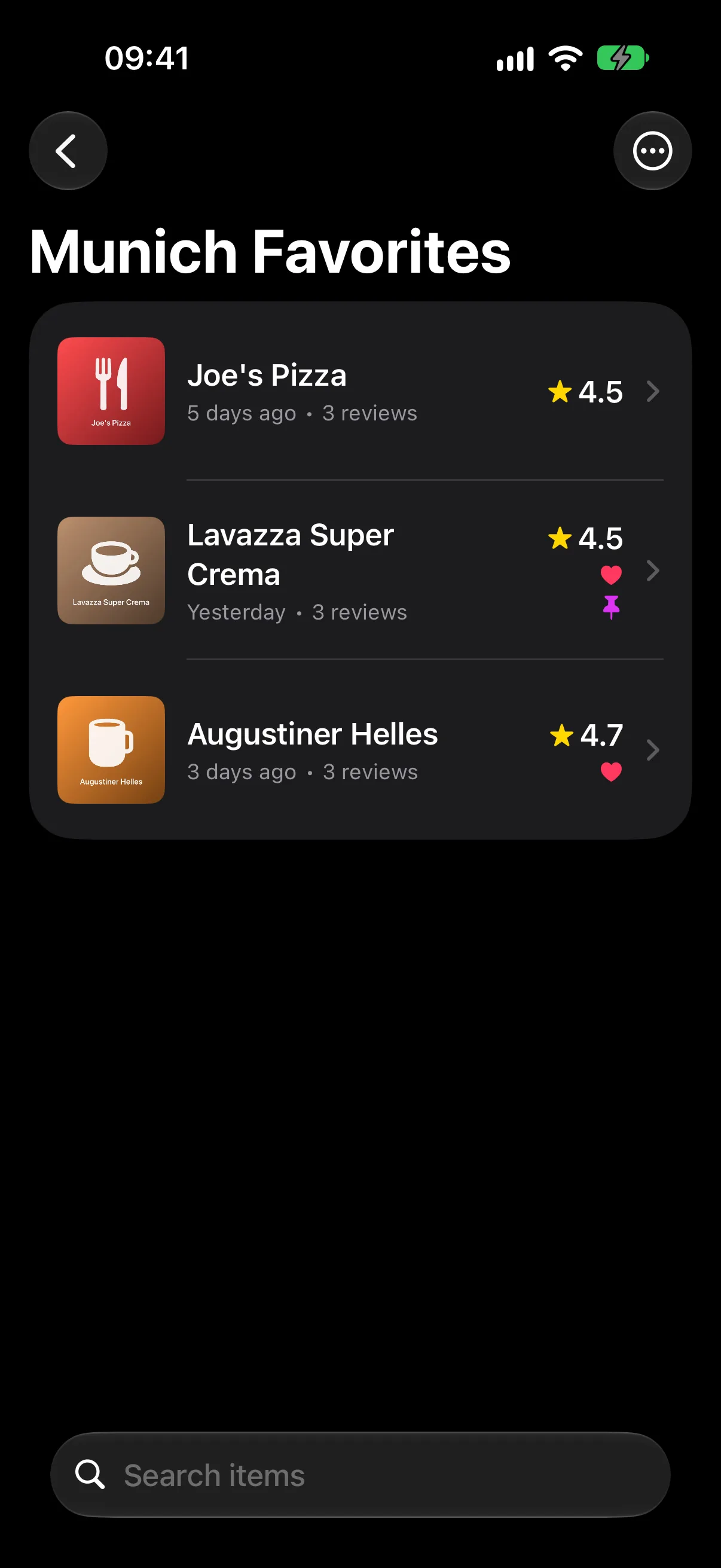
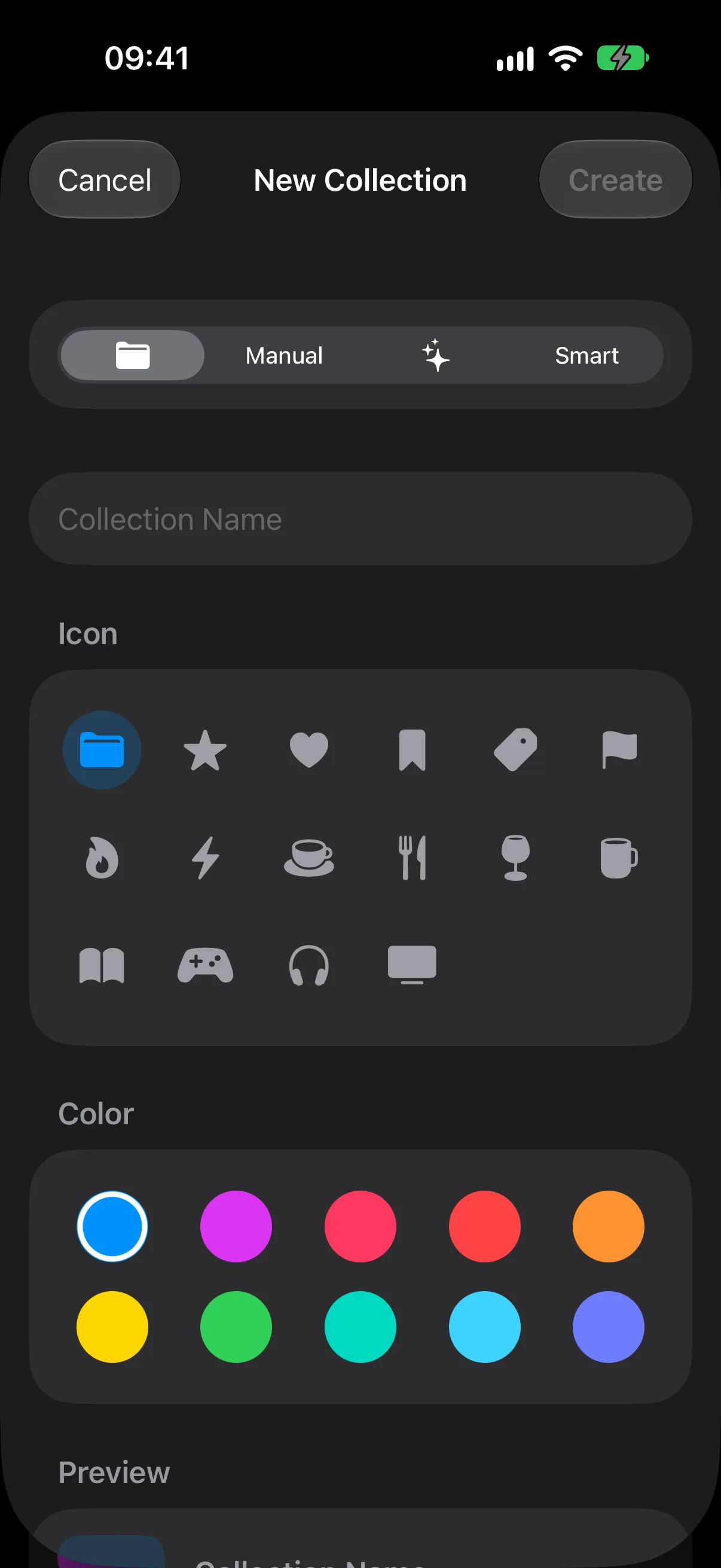
Custom collections Pro
Lists you name yourself — "Books I'd re-read", "Wines under €20", "Places to take visitors". Tap New in the Collections section to create one, then add items to it from an item's own page. An item can belong to as many collections as you like.
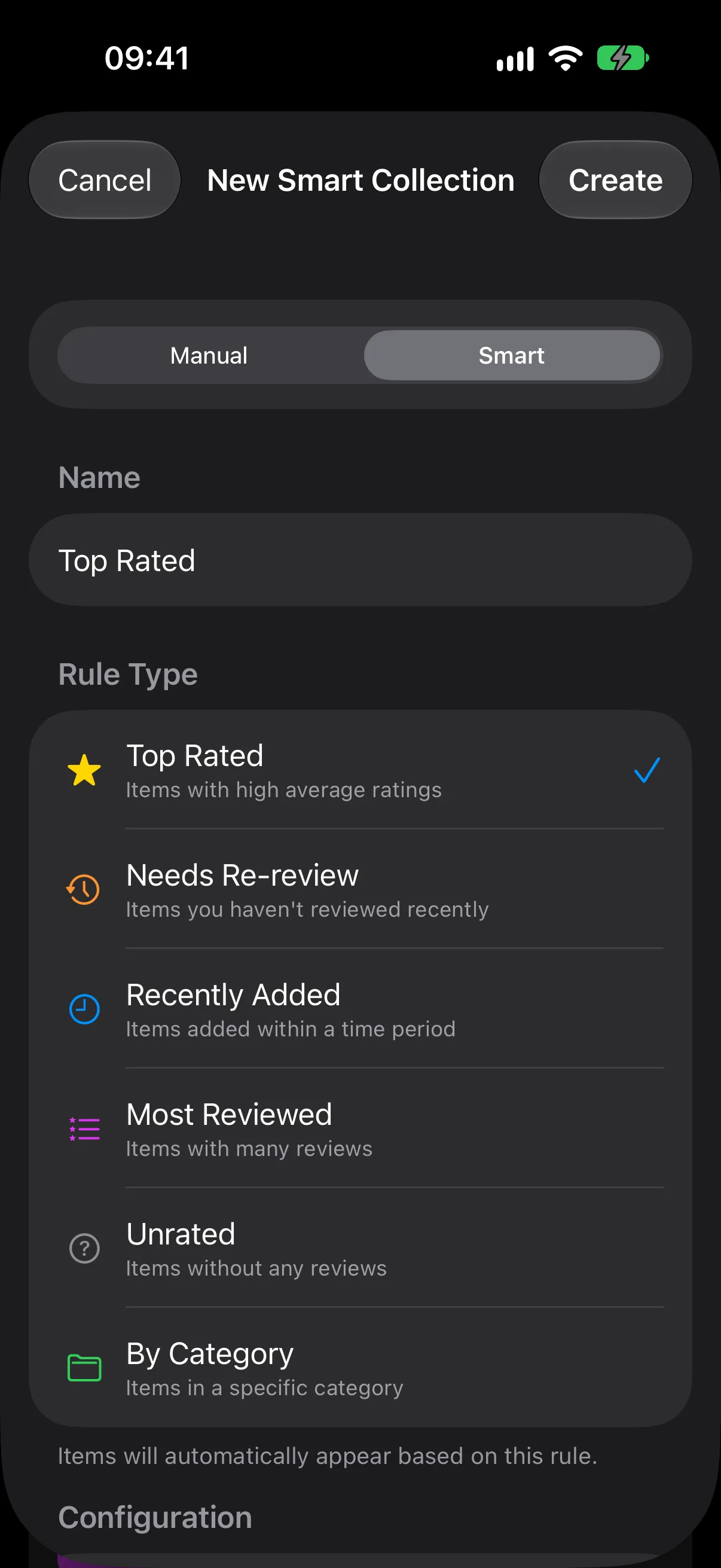
Smart collections Pro
Smart collections fill themselves in and stay current as you rate. You pick a rule and the collection maintains itself:
- Top Rated — items above a rating you choose.
- Needs Re-review — items you haven't rated in a while.
- Recently Added — anything added in the last few days.
- Most Reviewed — the items you keep coming back to.
- Unrated — items you added but never actually rated.
- By Category — everything in one category.
- Favorites — your hearted items.
"Needs Re-review" is the one most people end up living in — it surfaces the things you liked once and then forgot about.
Finding things again
The toolbar on My Reviews has search, a Filter control for narrowing by category and rating, and a Sort menu for reordering by name, date, or rating.
Swipe any item for quick actions — review, pin to the top, favorite, or delete. Deleting an item deletes its reviews with it, and can't be undone.
You can also search your items straight from Spotlight without opening the app.