
Help
Getting started
RateBud has exactly two ideas in it. An item is the thing — a coffee, a bottle, a book, a restaurant. A review is what you thought of it on one particular day. One item collects many reviews over time, and that history is the whole point.
Add your first item
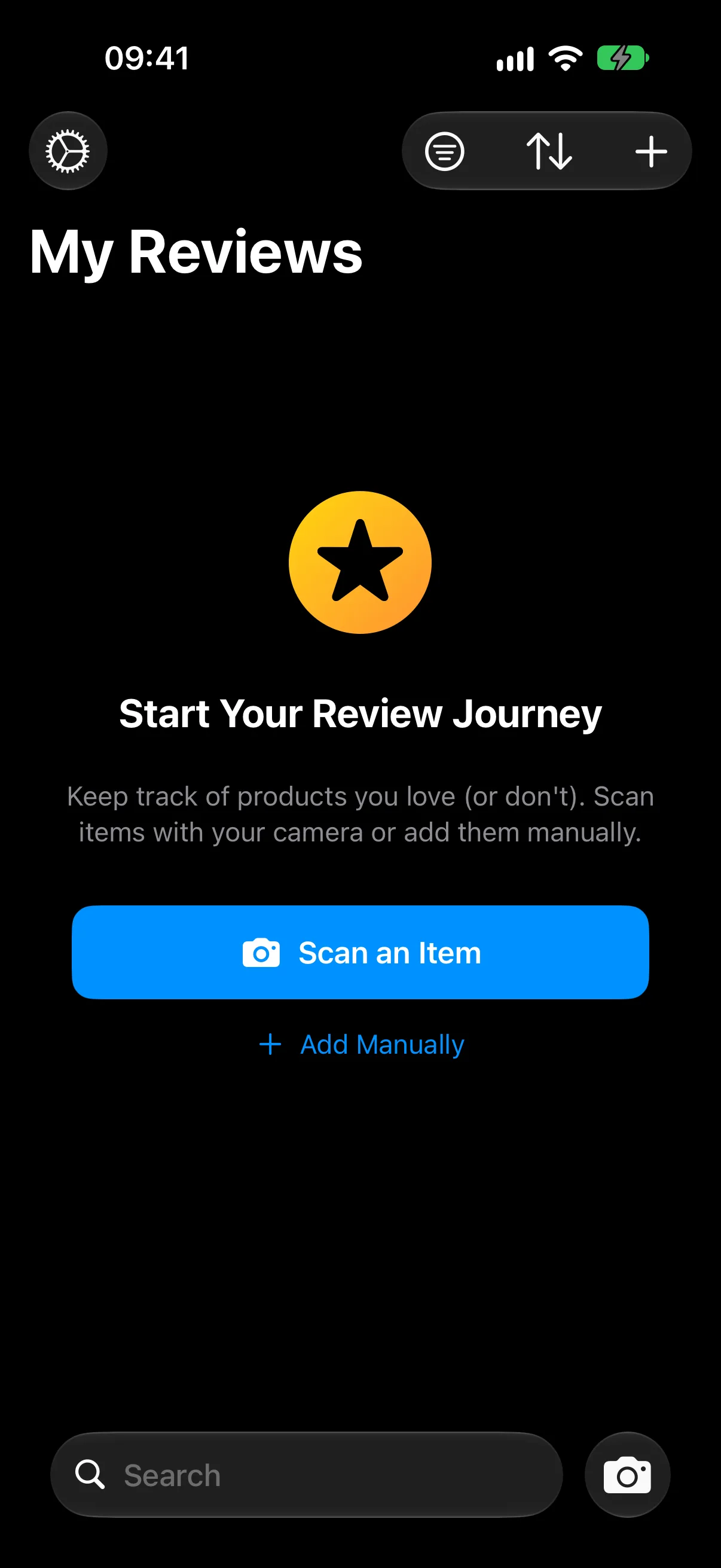
The main screen is called My Reviews. When it's empty it offers two ways to begin, and both stay available afterwards from the + button in the top right.
- Scan an Item — point the camera at a product. RateBud reads the barcode and the text on the packaging and fills in the name for you. See Scanning with the camera.
- Add Manually — type a name yourself. Best for restaurants, places, films, or anything with no label to scan.
Record your first rating
Open the new item and tap Add Rating. You get stars, a notes field, and the option to attach a photo.
Drag your finger across the stars rather than tapping — the rating follows your finger in half-star steps, so 3.5★ is as easy to record as 4★.
Write something in the notes, even a few words. It's what the app's insights later draw on, and it's what you'll be glad of in six months. A sentence about why is worth more than a single adjective.
Then come back to it
This is the habit that makes the app worth having. When you have the same coffee next month, don't create a second item — open the one you already have and add another rating to it.
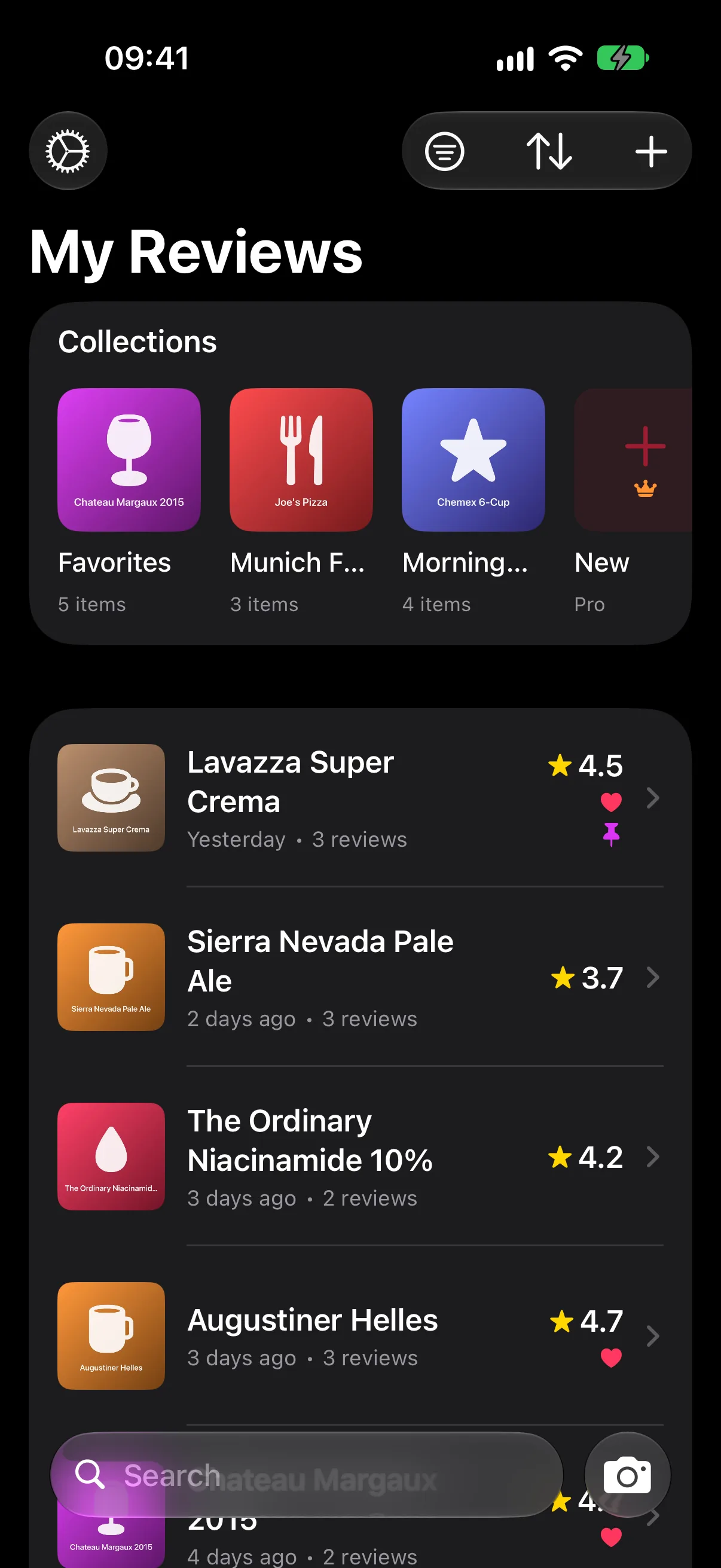
The fastest route is to swipe the item in the list and tap Review. More on this in Rating and reviewing.
Where to go next
- Scanning with the camera — how matching works, and how to get better scans.
- Collections and favorites — grouping things once you have a few.
- Insights and trends — reading what the app works out for you.